The Secure Way to Manage
Sensitive Documents
Stop trusting the cloud with your private data. NanoZipt runs advanced PDF tools directly in your browser. No uploads. No waiting. Just instant, secure results powered by your own device.
Our PDF Toolkit
Everything you need to manage documents efficiently.
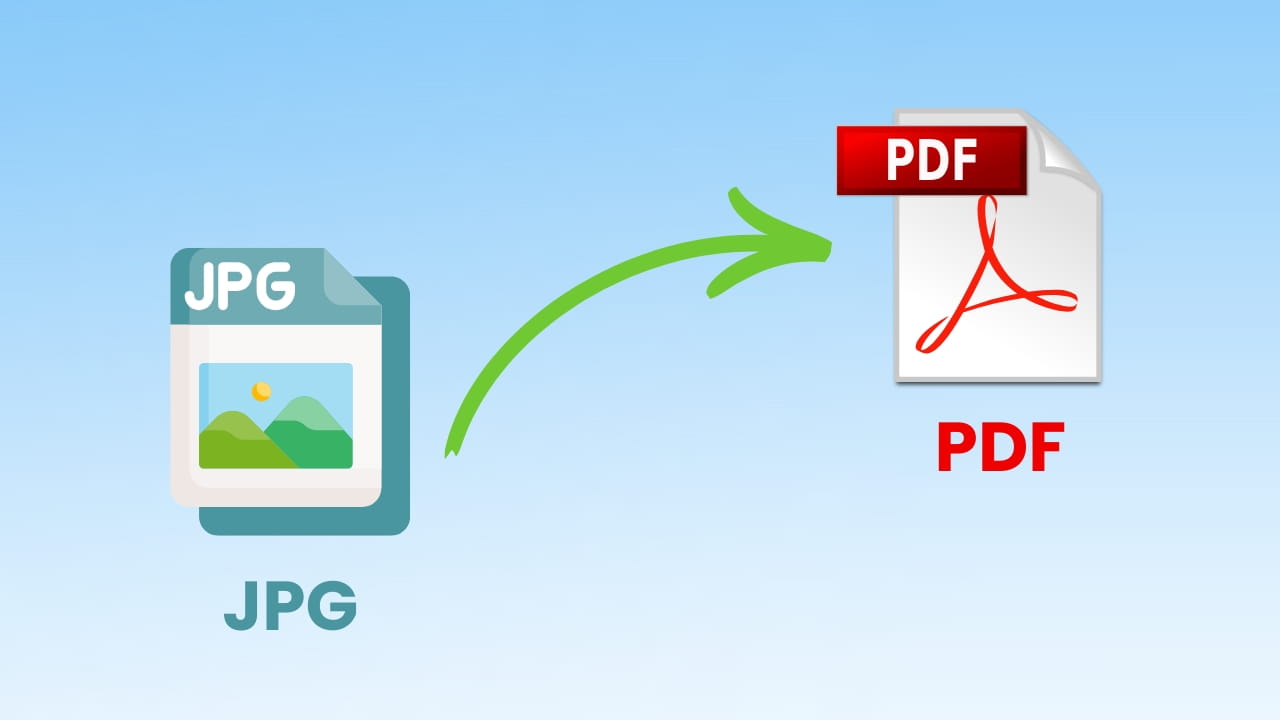
JPG to PDF Converter
Effortlessly transform your photos and scanned images into a professional, multi-page PDF document. Ideal for consolidating receipts, archiving sketches, or creating client portfolios without any software installation.
Start Converting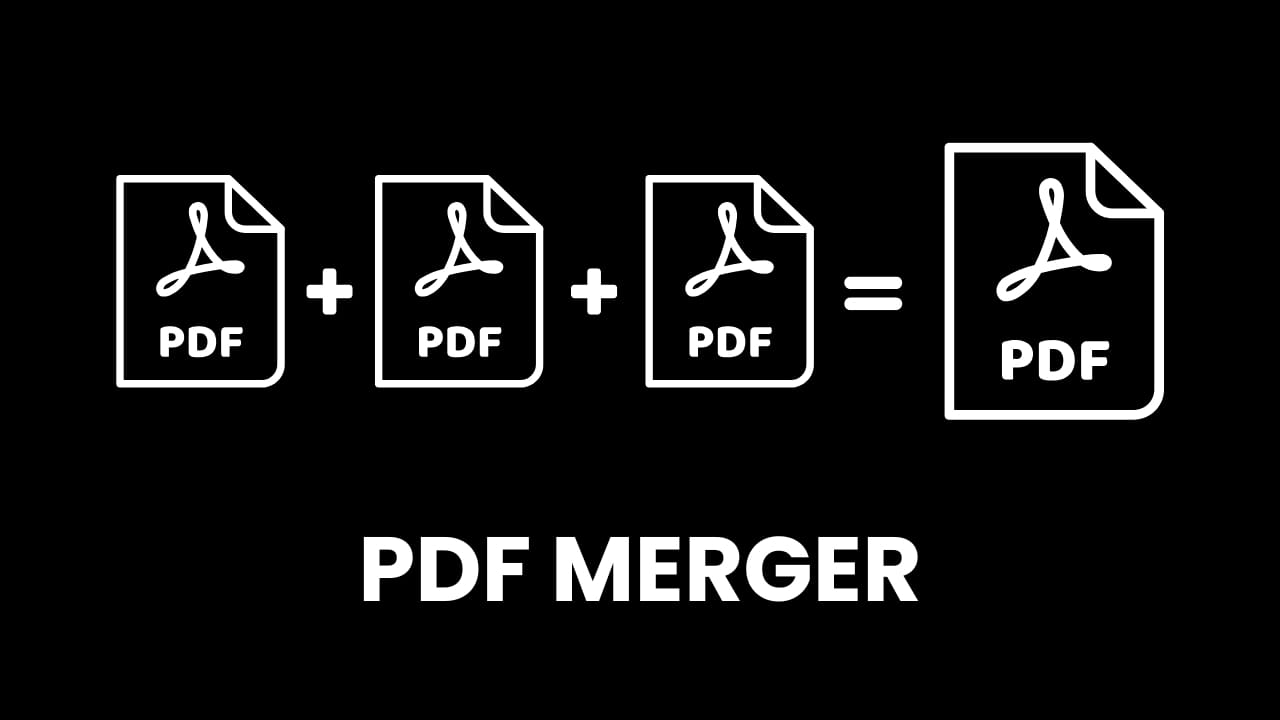
Merge PDF Files
Seamlessly combine separate PDF reports, invoices, or contracts into a single, organized file. Perfect for streamlining your workflow and keeping project documentation unified.
Merge Now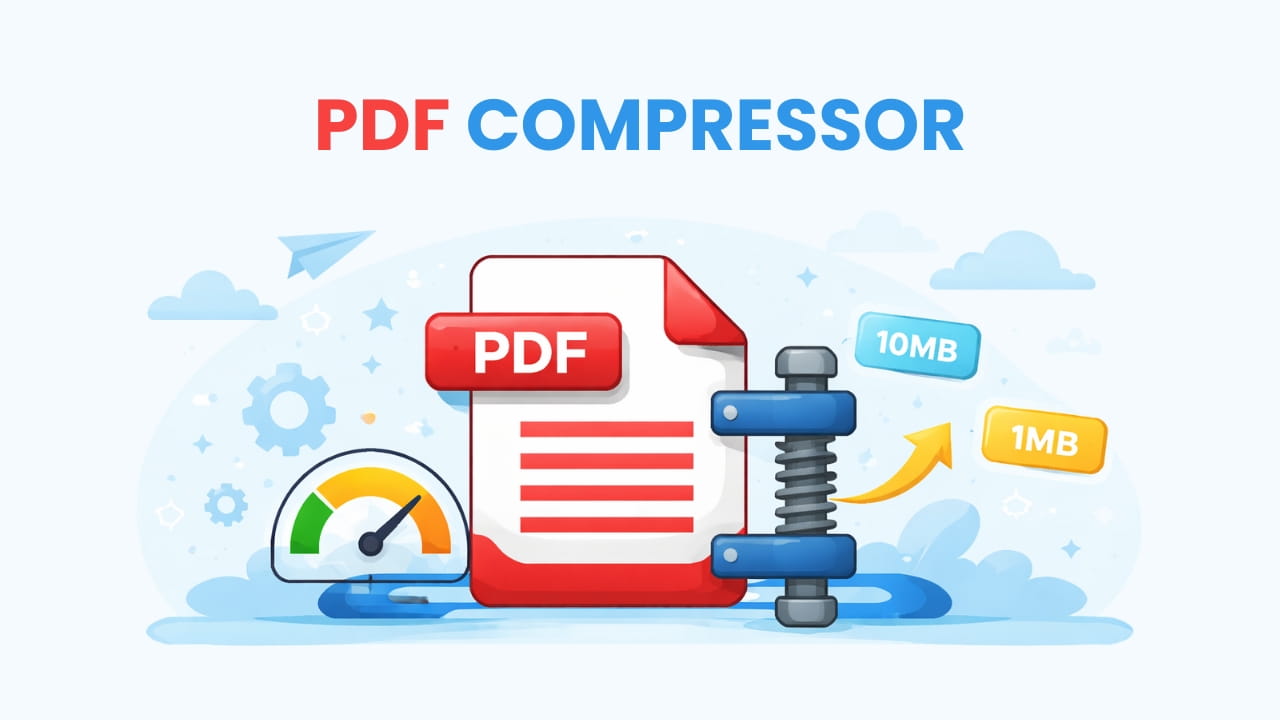
Compress PDF Size
Reduce large file sizes significantly while maintaining excellent visual quality. Beat email attachment limits and optimize your documents for faster web uploads and storage.
Compress File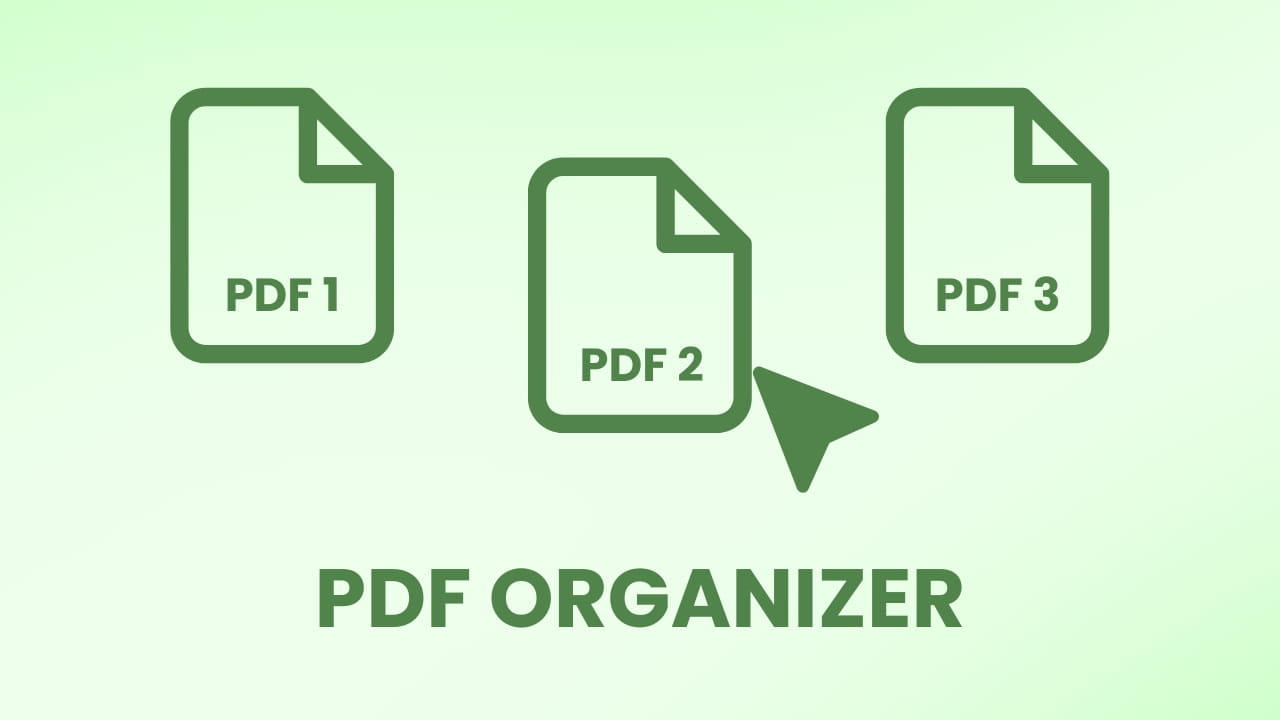
Organize PDF Pages
Take full control of your document structure. Easily rearrange page order, rotate inverted scans, or delete unnecessary pages to create a clean, professional PDF packet.
Organize Now
PDF to JPG Extractor
Extract high-resolution image files from every page of your PDF. Ideal for repurposing content for social media, inserting slides into presentations, or simple image archiving.
Extract Images
Watermark PDF
Assert ownership over your intellectual property. Add custom text stamps like "Confidential," "Draft," or your company name to prevent unauthorized use and distribution.
Add WatermarkHow NanoZipt Works
Security by design, not by policy.
Select Tool
Choose from our suite of PDF utilities above. The app loads instantly into your browser memory.
Process Locally
Drag & drop your file. Our WebAssembly engine processes it on your device, not our servers.
Save Instantly
Download your modified file immediately. No waiting for uploads or downloads.
The Security Advantage
See how NanoZipt compares to traditional online PDF converters.
| Feature | NanoZipt (Client-Side) | Other Tools (Server-Side) |
|---|---|---|
| File Storage | None (Your Device Only) | Stored on Remote Server |
| Upload Speed | Instant (0s) | Dependent on Internet Speed |
| File Size Limit | Unlimited (GBs) | Usually 10MB - 50MB Capped |
| Privacy Risk | Zero Risk | Vulnerable to Breaches |
Built for the Modern Web
We've moved the processing power from our servers to your device. This architecture change isn't just about speed—it's about fundamentally respecting your data ownership.
- Zero Uploads: Files stay on your OS.
- Offline Capable: Works without internet once loaded.
- Unlimited: Process 1GB files without restrictions.
GDPR Compliant
We don't collect or store your document data. Period.
WASM Powered
Near-native performance in browser.
Serverless
A greener choice. Local processing reduces carbon emissions.
Universal
Seamless experience on iPhone, Android, Mac, and Windows.
Technical FAQ
Deep dive into our architecture and security protocols.